
Which E-Reader Fits the Way You Read?
** As an Amazon Associate we earn from qualifying purchases.
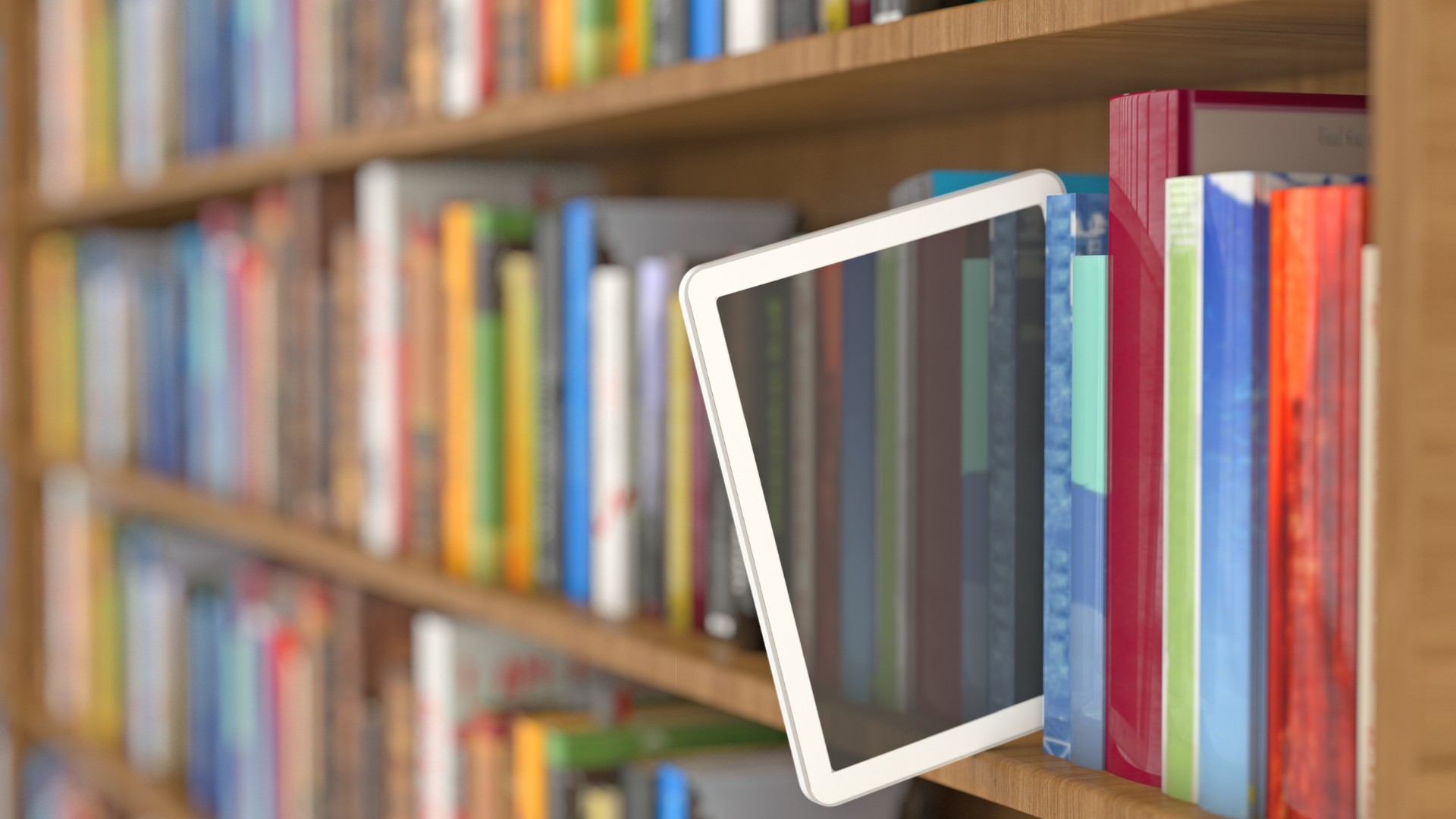
** Digital reading offers more choice than ever, but the best fit depends on how, where and what you read.
For a long time, Kindle has been the name most people associate with digital reading. It is familiar, easy to buy and closely tied to Amazon’s ebook store.
But the market is broader now.
Kobo offers a more open reading ecosystem and strong colour models. BOOX gives readers something closer to an e-paper tablet, with access to multiple reading apps. NOOK remains a simpler option for people already comfortable with Barnes & Noble.
The biggest differences are no longer just screen size or storage. They are about where you buy books, whether you want colour or handwriting, how much flexibility you need, and how much you are prepared to pay for features beyond reading.
Kindle: still the easiest place to start
Amazon’s current Kindle range covers several levels of use, from a compact basic reader to colour and note-taking models. The standard Kindle is the smallest and lowest-priced option, while the Paperwhite sits above it with a larger 7-inch screen, waterproofing and longer battery life. The Paperwhite Signature Edition adds more storage, wireless charging and an auto-adjusting front light.
For most readers, Kindle Paperwhite is probably the safest middle ground.
It gives you the larger screen without moving into the much higher price tier of the Colorsoft or Scribe, and it still keeps the device focused mainly on reading. Amazon says the current Paperwhite offers faster page turns, 16GB of storage and up to three months of battery life.
The standard Kindle is better suited to readers who value portability and lower cost. It has a 6-inch 300 ppi glare-free display, 16GB of storage and weighs 158g, making it easier to carry around or hold for long periods.
At the other end of the range, the Kindle Colorsoft and Kindle Scribe move into more specialised territory.
Colorsoft adds colour for covers, images and highlighting, together with wireless charging and waterproofing. Scribe is much more than a basic reader, combining a 300 ppi display with handwriting and in-book note-taking through Active Canvas.
The price difference between these tiers is significant. The basic Kindle and Paperwhite are relatively close compared with the much bigger step up to Colorsoft and Scribe. That matters because colour and handwriting are useful only if you will genuinely use them.
For someone who mostly reads novels and nonfiction, a more expensive device may not improve the actual reading experience very much.
Kobo: a strong alternative with more openness
Kobo is probably the closest direct alternative to Kindle if you still want a dedicated e-reader rather than something closer to a tablet.
Its current lineup includes the Clara BW, Clara Colour, Libra Colour, Sage and Elipsa 2E.
The Clara BW is the simplest place to start. It has a 6-inch black-and-white E Ink display, 16GB of storage, adjustable warm lighting and waterproofing.
The Clara Colour keeps the same compact format but adds a colour E Ink screen. The Libra Colour moves up to 7 inches and 32GB, with physical page-turn buttons and compatibility with the Kobo Stylus.
This is where Kobo starts to feel meaningfully different from Kindle.
The Libra Colour supports 15 file formats including EPUB, EPUB3, PDF, MOBI, CBZ and CBR, and Kobo also supports library borrowing through OverDrive in selected countries.
That broader file support is useful if your books come from different sources or if you do not want your library tied as closely to one retailer.
Kobo also deserves credit for repairability. Its newer colour models were introduced with easier battery replacement and greater use of recycled materials.
In price positioning, Kobo follows a similar ladder to Kindle: Clara BW at the lower end, Clara Colour above it, then Libra Colour and the larger note-taking models considerably higher. The jump in cost makes sense only when features such as colour, page-turn buttons or stylus support matter to you.
BOOX: much more flexible, but much more device
BOOX takes a different approach.
Instead of locking you into one bookstore, many BOOX devices run Android and support third-party apps. That means Kindle, Kobo and other reading apps can potentially sit on the same device.
That flexibility is the main attraction.
It is also what makes BOOX less straightforward.
The Go 7 series gives you a 7-inch device with physical page-turn buttons, 64GB of storage, microSD expansion and Android 13.
The Palma 2 is even more unusual. It has a 6.13-inch phone-shaped E Ink screen, 128GB of storage, microSD expansion and access to third-party apps, while weighing about 170g.
That makes it interesting for readers who want something pocketable without giving up access to multiple platforms.
Then there is the Note Air4 C, which moves well beyond ordinary reading. It has a 10.3-inch colour E Ink screen, stylus support, 6GB of RAM, 64GB of storage, a microSD slot and Android 13.
It is much closer to a digital notebook or work device than a simple e-reader.
This is also where the price gap becomes obvious. BOOX devices generally sit well above basic Kindle or Kobo models because you are paying for app access, storage, multitasking and productivity features, not just reading.
If you only want to read books in bed, that extra capability may be wasted.
If you read PDFs, annotate documents, take notes or want several ebook services on one device, BOOX starts to make much more sense.
NOOK: simpler and more traditional
Barnes & Noble’s NOOK range is smaller, but that can actually make the choice easier.
The GlowLight 4 is a 6-inch reader, while the GlowLight 4 Plus moves up to 7.8 inches and adds waterproofing, audiobook support and physical page-turn buttons.
For readers who already buy books from Barnes & Noble, NOOK still fits naturally into that ecosystem.
It does not offer the same range of models as Kindle, Kobo or BOOX, and it is unlikely to be the first choice for someone who wants maximum flexibility.
But it still has appeal for readers who want a straightforward device tied to a traditional bookseller rather than another large technology ecosystem.
Colour sounds more exciting than it always is
Colour E Ink is useful, especially for book covers, comics, diagrams, illustrations and coloured highlighting.
But it is not the same as a tablet screen.
On the Kobo Libra Colour, black-and-white content displays at 300 ppi, while colour content displays at 150 ppi.
That trade-off matters.
For novels and mostly text-based books, a sharp black-and-white display may still give the better experience for less money.
Colour becomes more worthwhile when you actually read material that benefits from it.
Screen size changes how the device feels
A larger screen is not automatically better either.
Six-inch readers such as the basic Kindle or Kobo Clara are compact and light enough for commuting, travel and reading in bed.
Seven-inch models such as the Paperwhite or Libra Colour give you more text on the page without becoming difficult to hold.
Once you move towards 8-inch and 10-inch devices, the experience changes. They become better for PDFs, note-taking and larger layouts, but less convenient for casual one-handed reading.
That is why the more expensive models are not simply “better.” They are designed for different jobs.
The ebook ecosystem matters as much as the hardware
The device is only one part of the cost.
Buying a Kindle does not make every Kindle book free. Amazon includes access to the Kindle Store, and new Kindle devices currently include a limited Kindle Unlimited trial, but Kindle Unlimited itself is a separate subscription and does not cover every ebook in Amazon’s catalogue.
Kobo has its own store and supports more file types, while selected models also integrate with library borrowing and cloud services.
BOOX gives you the most freedom because it can run multiple reading apps, but that freedom also means more setup and more software to manage.
NOOK keeps things simpler if Barnes & Noble is already where you prefer to buy books.
That is why switching ecosystems later can matter more than switching devices.
A practical way to narrow it down
For someone who wants a simple, mainstream e-reader and already buys books from Amazon, Kindle Paperwhite remains the most balanced choice.
For someone who prefers broader file support or wants to stay less tied to Amazon, Kobo Clara BW is a strong alternative.
For colour, Kobo Libra Colour is particularly interesting because it combines a larger screen, physical page-turn buttons and optional stylus support without moving into full tablet territory.
For readers who use multiple ebook platforms, PDFs or work documents, BOOX Go 7 or Note Air4 C offer far more flexibility, but at a noticeably higher price tier.
For Barnes & Noble readers, NOOK GlowLight 4 Plus remains a straightforward option with a larger waterproof screen and physical buttons.
The main thing is to avoid paying for features that look impressive but do not change the way you actually read.
A compact black-and-white reader can still be the best purchase for someone who reads novels every night.
A colour screen may be worth the extra cost for illustrated books or visual note-taking.
A larger BOOX device can be excellent for work and research, but unnecessarily complex for someone who wants nothing more than a quiet hour with a book.
That is where the value is.
Not in choosing the most advanced device, but in choosing one whose extra cost is justified by how you will use it.

Books & Guides
A growing collection of books for knowledge and growth, cookbooks for everyday inspiration, and reading essentials for slower moments.